One of the most frustrating things I had when using Linux was the terminal experience - why on earth didn't the tab key work like it did on Windows? I even created a configuration doc for bash to get it the way I wanted. But after I discovered Fish, everything changed. It already brings many native features and with a few more configurations, it becomes unbeatable. Check it out!
This step guide is based on Fedora, but it possibly works on other RedHat-based distros.
Installation
First, I recommend the Terminator terminal, which has nice features like tabs, splits, color customizations, etc. To install:
sudo dnf install terminator
To install Fish, run:
    sudo dnf install fish
    sudo dnf install util-linux-user
The following commands make Fish the default shell:
    echo /usr/bin/fish | sudo tee -a /etc/shells
    chsh -s /usr/bin/fish
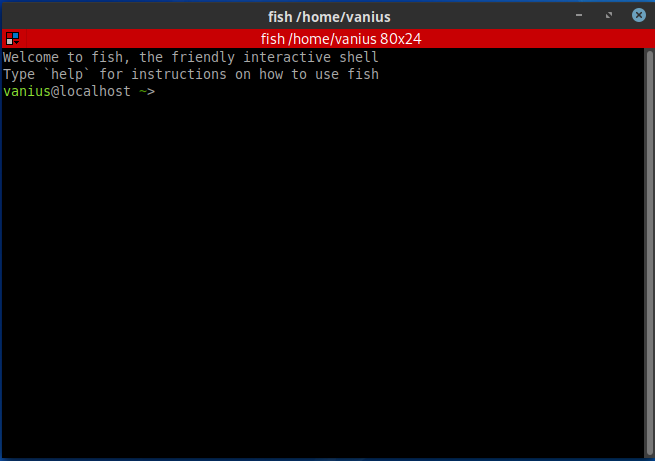
Here you can say hello to Fish!
Theme
There's Fish's visual package manager, Oh My Fish (OMF). To install:
curl -L https://get.oh-my.fish | fish
It's recommended to install the Powerline fonts package:
sudo dnf install powerline powerline-fonts
In OMF, I recommend installing the Agnoster theme:
omf install agnoster
At some moments, Fish inserts an underline, which I personally find ugly. It can be disabled with:
set fish_color_valid_path --bold
Fisher Package Manager
Some Fish features are installed through its package manager, Fisher:
curl https://git.io/fisher --create-dirs -sLo ~/.config/fish/functions/fisher.fish
Bookmark Path
A very cool feature is allowing you to jump to directories through aliases (also known as jump or bookmarks). For Fish, there's To. To install, we can do it through Fisher:
fisher install joehillen/to-fish
To mark a directory:
to add myproject
To jump to a marked directory:
to myproject
FZF - Fuzzy Finder
FZF is a general-purpose fuzzy finder that can be used with Fish for incredible productivity. Install it with:
sudo dnf install fzf
Then install the Fish integration:
fisher install jethrokuan/fzf
Now you can:
Ctrl+R- Search command history with fuzzy matchingCtrl+O- Open files with fuzzy searchAlt+C- Change directory with fuzzy search
Conclusion
Fish is an excellent shell that provides a much better out-of-the-box experience than bash. With the additions of Oh My Fish, Fisher, and plugins like FZF, you'll have a highly productive terminal environment that makes working on the command line a pleasure rather than a chore.